
YOUR LOCAL TECHNOLOGY STORE
Find the right computer. Get local help.
Shop laptops, desktops, and accessories with a real Tampa storefront when you need support.
Visit us in Tampa • Shop online or in-store
- Local Tampa storefront
- Repair assistance
- Business quotes
- Warranty details on products
Technology shopping with a local connection.
We’re Tampa Laptop, a local destination for computers, accessories, and help with your technology needs.

Shop by category
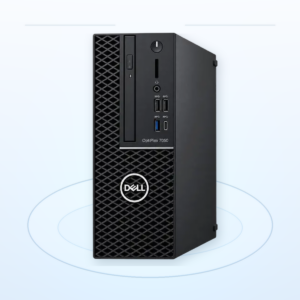
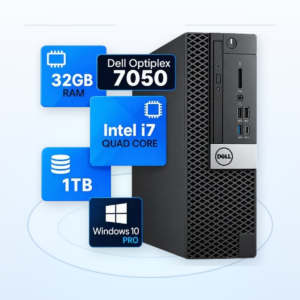
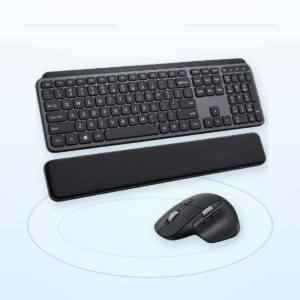
Featured computers
Dell Latitude 5430 Laptop (New Open Box)
Deals$1,299.00Original price was: $1,299.00.$999.00Current price is: $999.00.Dell OptiPlex 7060 Desktop – Intel Core i5 (REFURB)
Deals$599.00Original price was: $599.00.$399.00Current price is: $399.00.Lenovo ThinkPad T16 Gen 1 Laptop – Intel Core i5 (REFURB)
Deals$599.00Original price was: $599.00.$499.00Current price is: $499.00.
Deals
Great Deals. Better Prices. Smarter Choices.
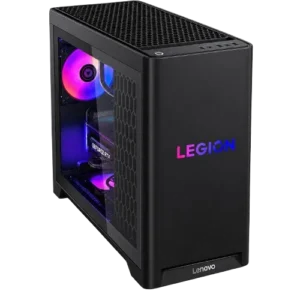
Legion Tower 5i Gen 10 Intel with RTX 5060 Ti
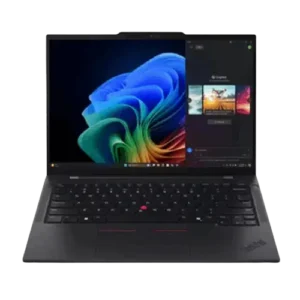
ThinkPad T14s Gen 6 (14″ Snapdragon) Laptop
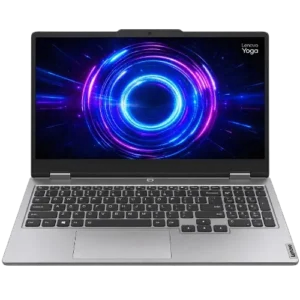
LOQ 15” AMD with up to RTX 5060
Legion Tower 5i Gen 10 Intel with RTX 5060
LOQ 15 with RTX 5050
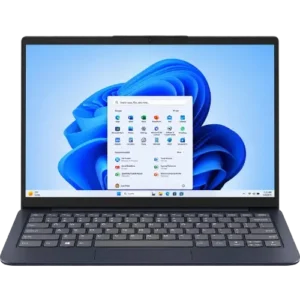
IdeaPad 5i 2-in-1 (16″ Intel)
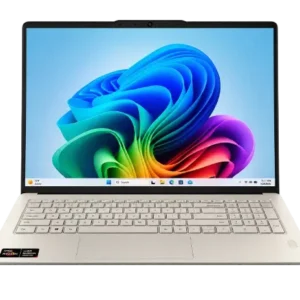
Yoga 7 2-in-1 (16” AMD) Laptop
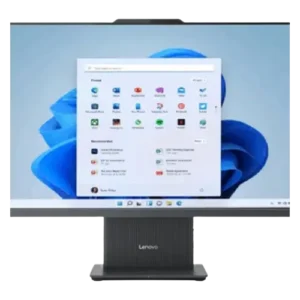
IdeaCentre AIO (27″ AMD) All In One
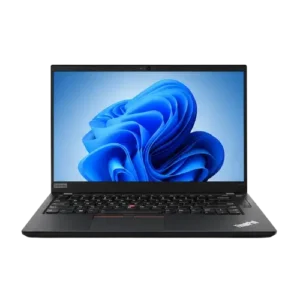
Lenovo ThinkPad T16 Gen 1 Laptop – Intel Core i5 (REFURB)
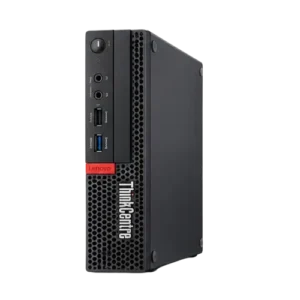
Lenovo, ThinkCenter, M290q (REFURB)
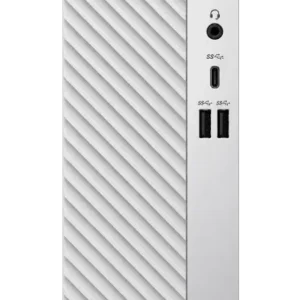
IdeaCentre 3i (Intel)
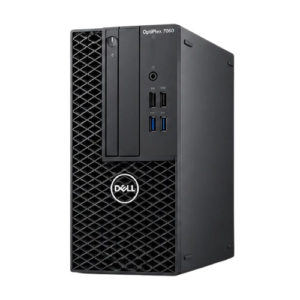
Dell OptiPlex 7060 Desktop – Intel Core i5 (REFURB)
Windows 11 Professional Retail

Microsoft Office 2021 Professional Plus (PC)
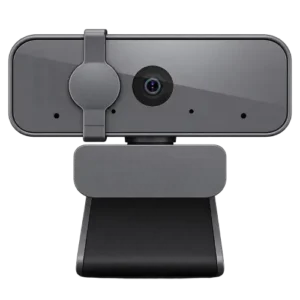
Select FHD Webcam
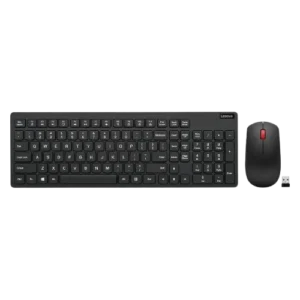
Essential Wireless Combo Keyboard & Mouse Gen2 Black
test
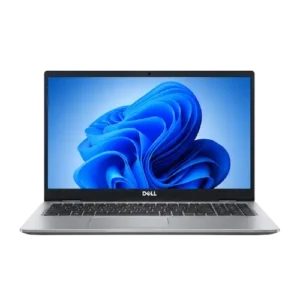
Dell Latitude 5430 Laptop (New Open Box)
What matters to us
Helpful advice
Find products that fit your needs and budget.
Local accessibility
A real Tampa address and clear ways to contact us.
Transparent shopping
Accurate product details and clearly stated policies.
Laptop Buying & Computer Repair FAQs in Tampa, FL
Answers to common questions about affordable laptops, refurbished computers, computer repairs and business purchasing for Tampa and communities throughout Hillsborough County, Florida.
Where can I buy affordable laptops in Tampa, FL?
Tampa Laptop offers online shopping for laptops, desktops and computer accessories. Shoppers in Tampa and surrounding Hillsborough County communities can compare current models, specifications and prices at our online shop. Contact us to confirm local pickup availability before visiting.
Does Tampa Laptop serve Brandon, Plant City and Riverview?
Customers in Brandon, Plant City, Riverview, Valrico, Seffner and elsewhere in Hillsborough County can browse Tampa Laptop online. Contact the store to confirm pickup, delivery or shipping options for your ZIP code.
What is a good affordable laptop for students?
For web browsing, assignments and video classes, start with a laptop offering at least 8GB of RAM and solid-state storage. Students using specialized Windows applications should check software requirements before choosing a Chromebook.
What laptop should I buy for under $300?
At this price, consider entry-level Chromebooks or refurbished Windows laptops, depending on current inventory. Compare battery condition, storage, warranty terms and the software you need before purchasing.
When is the best time to buy a laptop in Tampa?
Back-to-school promotions and November holiday sales can offer discounts, but the best value depends on the actual model and price history. Visit our shop for current pricing rather than relying on advertised percentage savings alone.
Should I buy a new or refurbished laptop?
A new laptop may offer the latest hardware and a longer manufacturer warranty. A refurbished laptop can provide better specifications for a lower price. Check the exact device condition, battery health, return terms and included warranty.
What should I check before buying a used laptop?
Verify the processor generation, RAM, SSD capacity, battery health, charger, screen, ports, operating-system support, and return policy. Ask whether the device has been tested and whether any components were replaced.
Can I shop for gaming laptops in Tampa?
Yes. Compare available gaming laptops by graphics card, cooling, memory, screen refresh rate and game requirements. For current gaming models and availability, browse our online inventory.
How much RAM do I need in a laptop?
8GB is workable for basic browsing and schoolwork; 16GB is a stronger choice for most Windows users who multitask. Video editing, virtual machines and some professional applications may benefit from 32GB or more.
Is a Chromebook or Windows laptop better for students?
Chromebooks are often affordable and well suited to browser-based schoolwork. Windows laptops support a wider range of desktop programs. Check your school’s required applications, testing software and device policy before buying.
Can I use Microsoft Word on a Chromebook?
Yes. Microsoft Word is available through a web browser with a compatible Microsoft account or subscription. Some desktop-only features and add-ins require Windows or macOS.
Do Chromebooks work without internet access?
Many Chromebook apps support offline tasks after setup, including some documents and downloaded files. Cloud syncing and web-only services require a connection.
Is HP, Dell or Lenovo the best laptop brand?
There is no single best brand for every buyer. Compare specific HP, Dell and Lenovo models by build quality, performance, support terms, repairability and price rather than brand alone.
How long should a laptop last?
Many laptops remain useful for roughly four to six years, depending on build quality, maintenance and changing software requirements. Battery replacement or an SSD upgrade can extend the useful life of some devices.
Is a seven-year-old laptop worth repairing?
It depends on the repair cost, supported operating system and overall condition. An inexpensive SSD or battery replacement may be worthwhile, but major board repairs may cost more than replacing an older laptop.
Is a tablet or laptop better for seniors?
A tablet can be simple for video calls and reading, while a laptop provides a physical keyboard and more flexibility for documents and printing. Choose based on screen size, accessibility needs and comfort with the device.
Where can I get laptop repair in Tampa, FL?
Tampa Laptop offers information about local computer repair and IT support through its computer repair page. Contact the team to describe your issue and confirm service availability before bringing in a device.
Do you help customers from Temple Terrace, Lutz and Carrollwood?
Customers in Temple Terrace, Lutz, Carrollwood and nearby Tampa communities can contact Tampa Laptop about computer repairs and purchasing. Confirm the service location, appointment requirements and turnaround time in advance.
How much does laptop screen replacement cost in Tampa?
Screen replacement pricing depends on the laptop model, display size, touchscreen features, parts availability and labor. Request a model-specific estimate before authorizing repairs.
Can a slow laptop be upgraded instead of replaced?
Often, yes. An SSD upgrade, additional RAM where supported, software cleanup or operating-system maintenance can improve performance. A technician can check whether your model supports upgrades.
Can you recover files from a laptop that will not turn on?
Recovery may be possible if the storage device is still readable, but results depend on the failure and encryption status. Avoid repeated power-on attempts if the drive may be physically damaged, and request an assessment.
What should I do if my laptop may have a virus?
Disconnect from suspicious networks, avoid entering passwords on the affected device and seek professional assistance. Change important account passwords from a trusted device and enable multi-factor authentication.
How long does a laptop repair take?
Repair time depends on diagnosis, parts availability and workload. Simple software work may be faster than a repair requiring special-order components. Ask for a timeframe when you request service.
Can Hillsborough County businesses buy laptops in bulk?
Tampa Laptop welcomes business purchasing inquiries, including offices in Tampa, Brandon, Plant City and Riverview. Share the quantity, preferred specifications, budget and delivery deadline to request a tailored quote.
What laptop specifications are best for a small business?
For typical Microsoft 365 work, consider a modern supported processor, 16GB RAM, an SSD and an appropriate Windows edition. Security, warranty coverage and compatibility with line-of-business software should also influence the decision.
Do you offer laptop setup and data transfer?
Ask Tampa Laptop about available setup and data-transfer services when requesting a quote or purchasing a computer. Scope, compatibility and any service charges should be confirmed before checkout.
Can I pick up an online order locally in Tampa?
Local pickup may depend on the item and current store arrangements. Contact Tampa Laptop before placing an order if same-day or local pickup is essential.
Do you ship laptops outside Tampa or Florida?
Review the shipping options and delivery estimates displayed at checkout, or contact Tampa Laptop for availability to your destination. Shipping eligibility and costs can vary by product.
What warranty comes with a laptop purchase?
Warranty coverage varies by manufacturer, product condition and listing. Review the individual product page and written warranty terms before buying; refurbished and new products may have different coverage.
What is your laptop return policy?
Return eligibility, time limits and any restocking or shipping charges depend on the published policy and the product purchased. Review the current policy at checkout or ask the store for a copy before ordering.
Does Tampa Laptop offer financing or payment plans?
Available payment methods and any financing offers should be confirmed at checkout. Do not assume a financing plan is available until it is shown and its terms have been reviewed.
Need help choosing a laptop or requesting a repair?
Browse laptops and computers or visit the store to confirm inventory, appointments and service terms.
Customers Served
Across Florida & Beyond
Services Delivered
From Student to Enterprise
Repairs
Fast, Reliable, Local Service
Businesses Reached
Local offices, schools, and remote teams powered by us.
Black Friday Sale: Up to 50% Off On Select Items!
Don’t miss out on our sales event! For a limited time, enjoy up to 50% off on a selection of our best-selling products.